 clip ready
AI · fictional
00:12 / 00:15
1920×1080 · 30fps
encoding · 1080p · 00:1286%
 00:00
00:00 00:05
00:05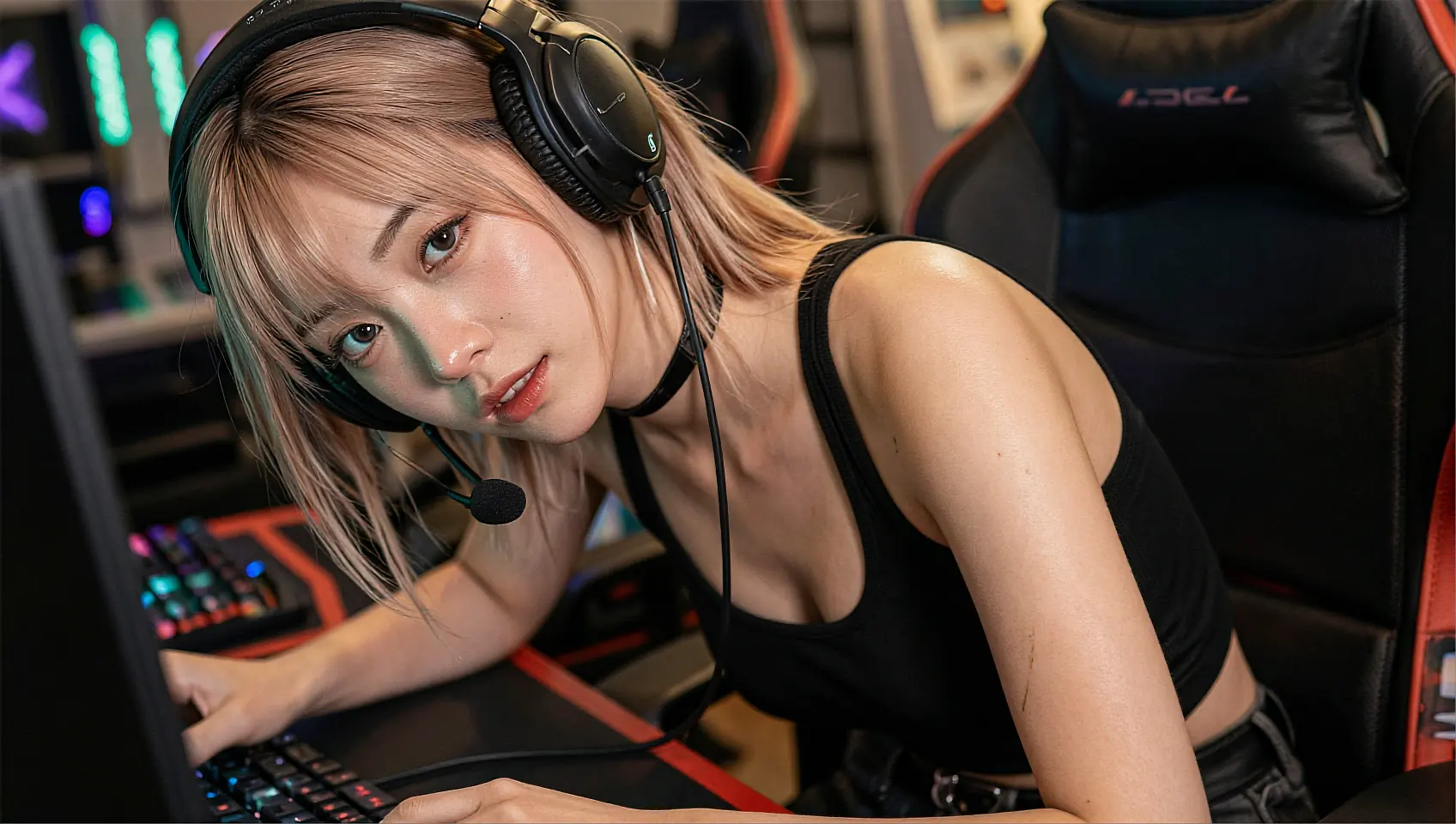 00:10
00:10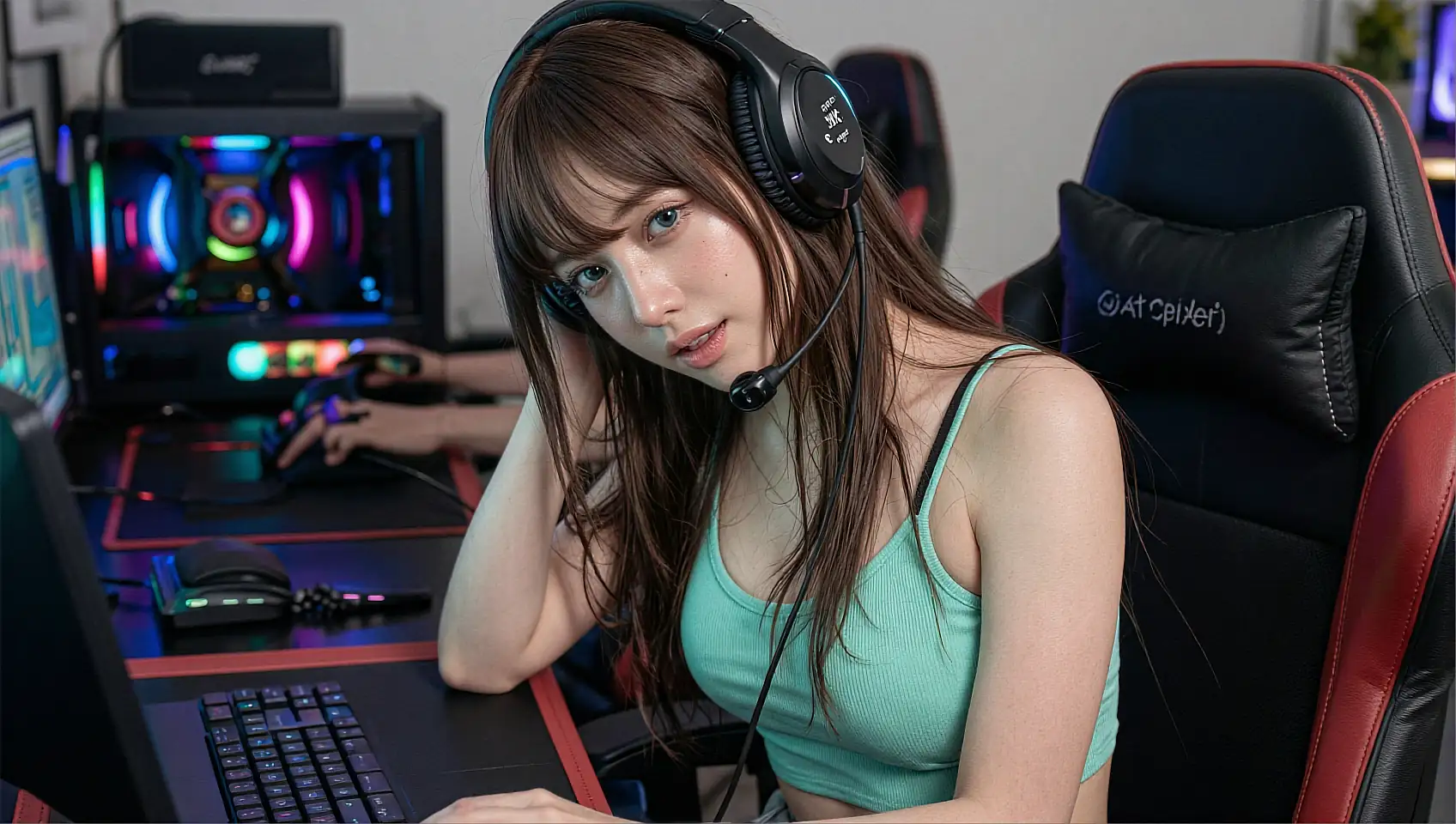 00:15
00:15
cast · in frame
queue · 3 jobs
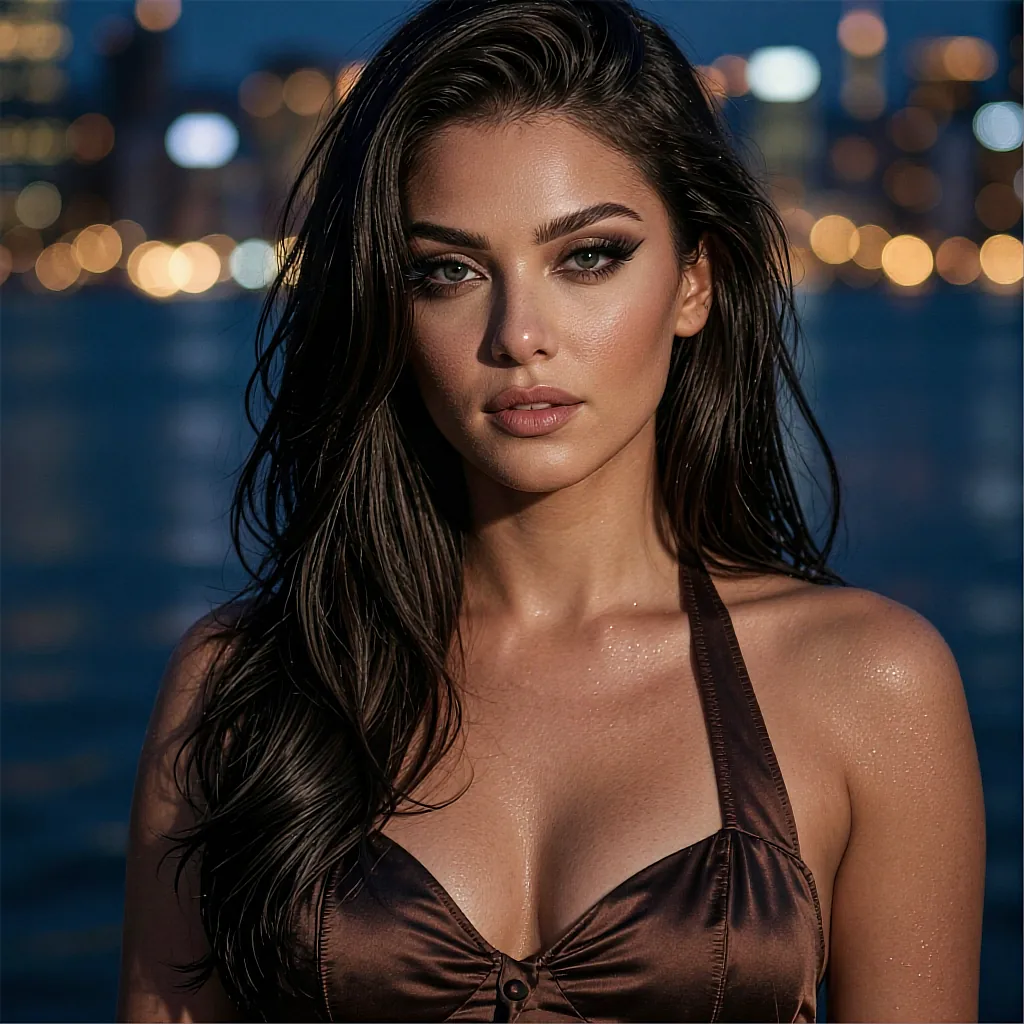
- clip_014 · balcony, city lights86%
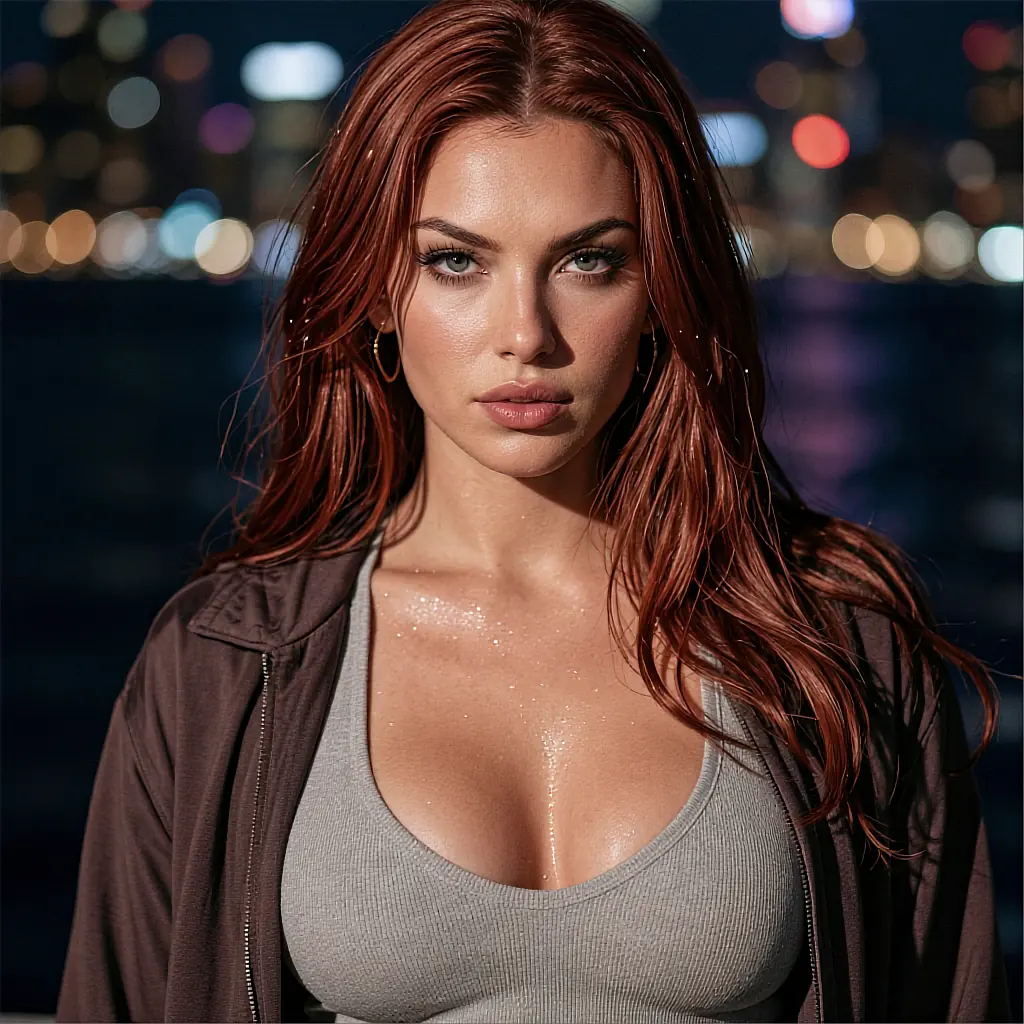
- clip_015 · close-up, warm key41%
01 AI girlfriend video · 18+
Pick a face, set the scene, press render. One line of direction becomes a finished clip — 720p in about eighteen seconds, 1080p when you want the detail.
Every face in the studio is a fictional, AI-generated character.
clip readyAI · fictional
00:12 / 00:15
1920×1080 · 30fps
00:0000:0500:1000:15cast · in frame
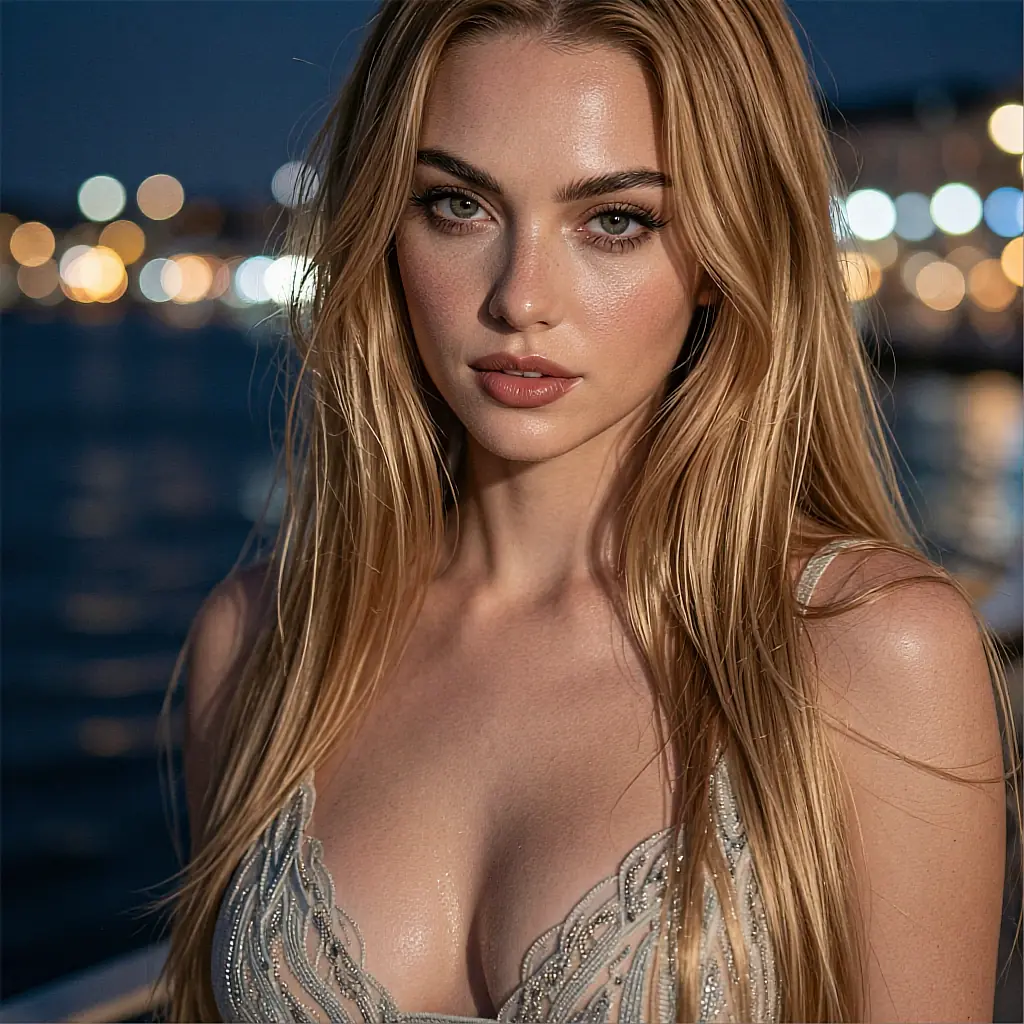
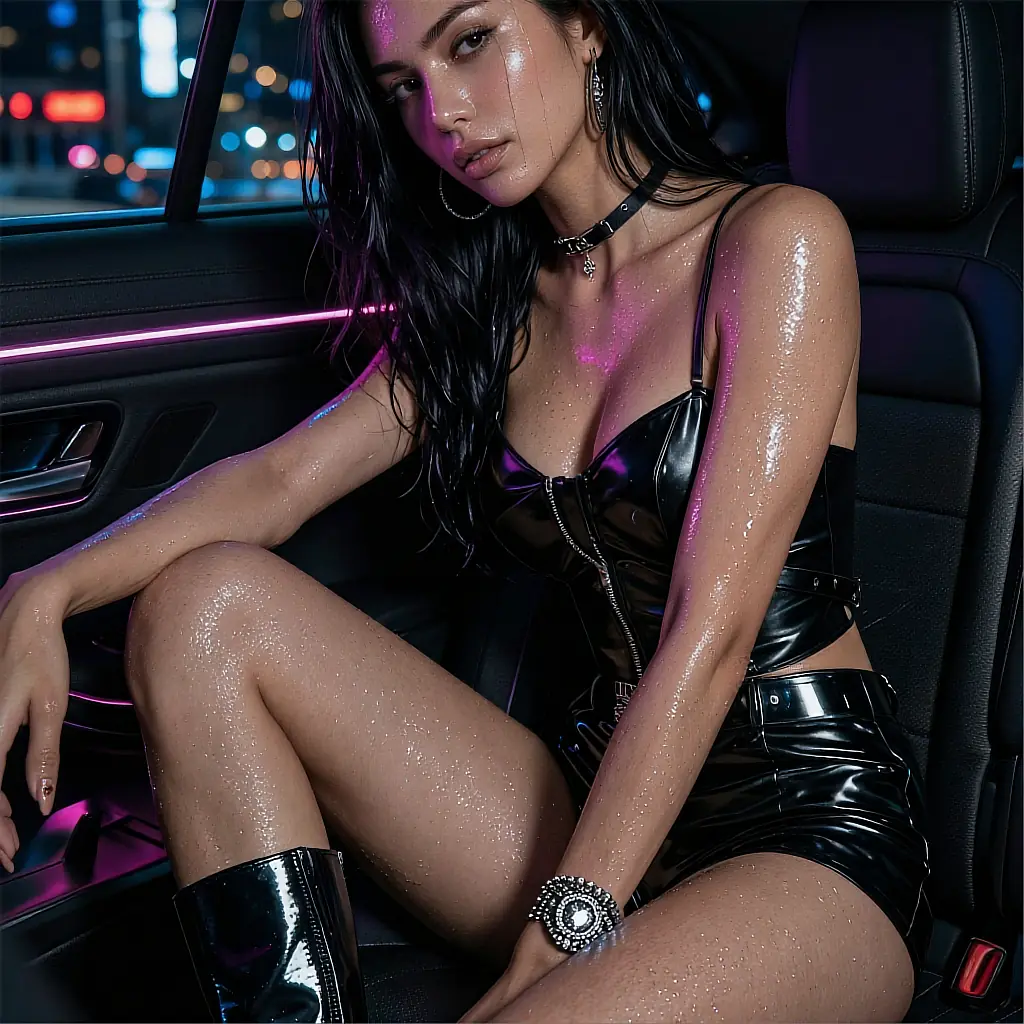
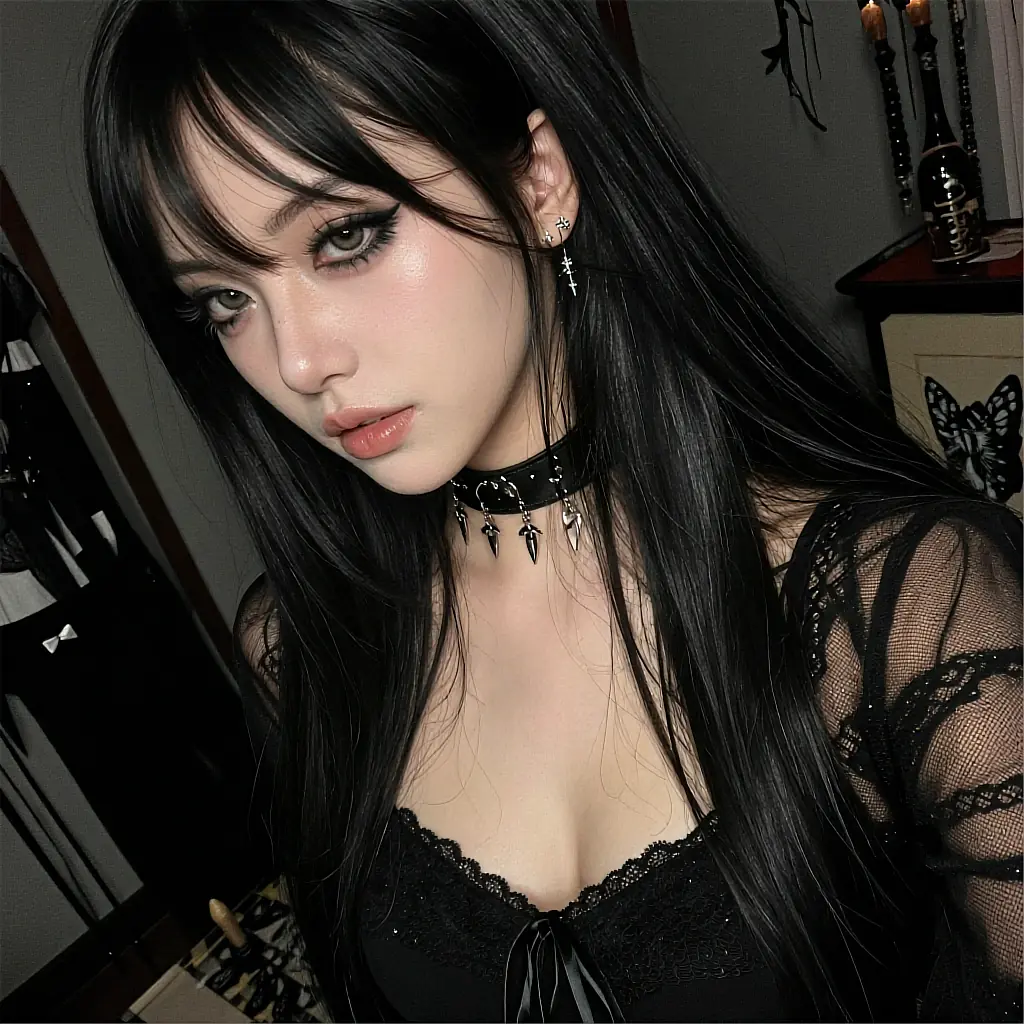
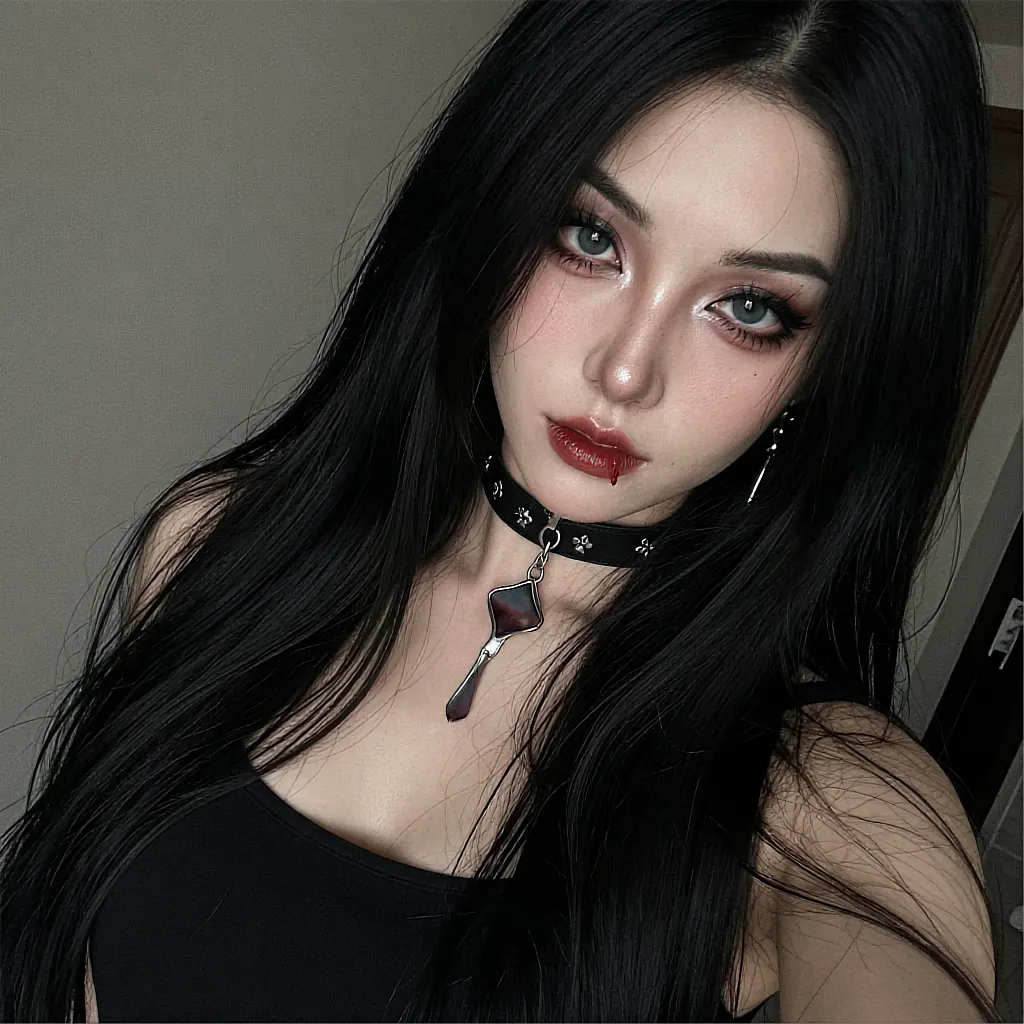
queue · 3 jobs
02 The pipeline
No timeline, no keyframes, no plugin chain. The studio does the parts that used to take an afternoon and hands back something you can actually play.
Open the cast sheet and pick a fictional AI character, or describe one and let the studio build her. Hair, build, wardrobe, lighting — all of it is a field, not a fixed template.
One line is enough. "Leaning on a balcony rail, city lights behind, looks over her shoulder." The parser turns that into a camera move, a pose track and a lighting setup.
The job enters the queue and comes back as a real clip with sound-safe framing. Keep it, re-roll a single frame range, or bump the same take to 1080p without starting over.
03 On the cast sheet
Every character below is fictional and AI-generated, with its own look, wardrobe and default lighting. Pick one and her identity stays locked across every clip you render.
take 03 · 00:15
live
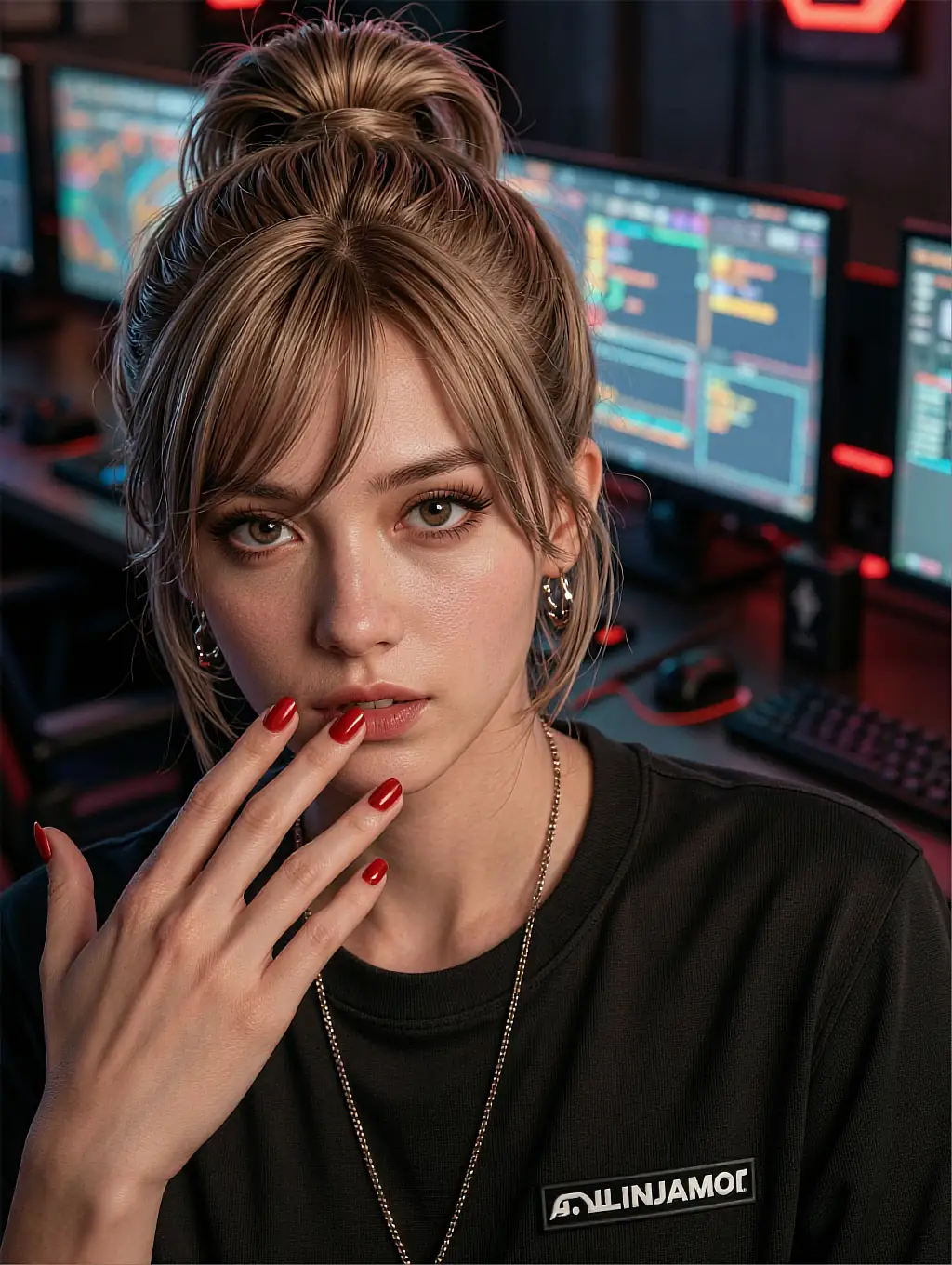
Direct me properly and I will hit the mark on take one.
take 07 · 00:09
live
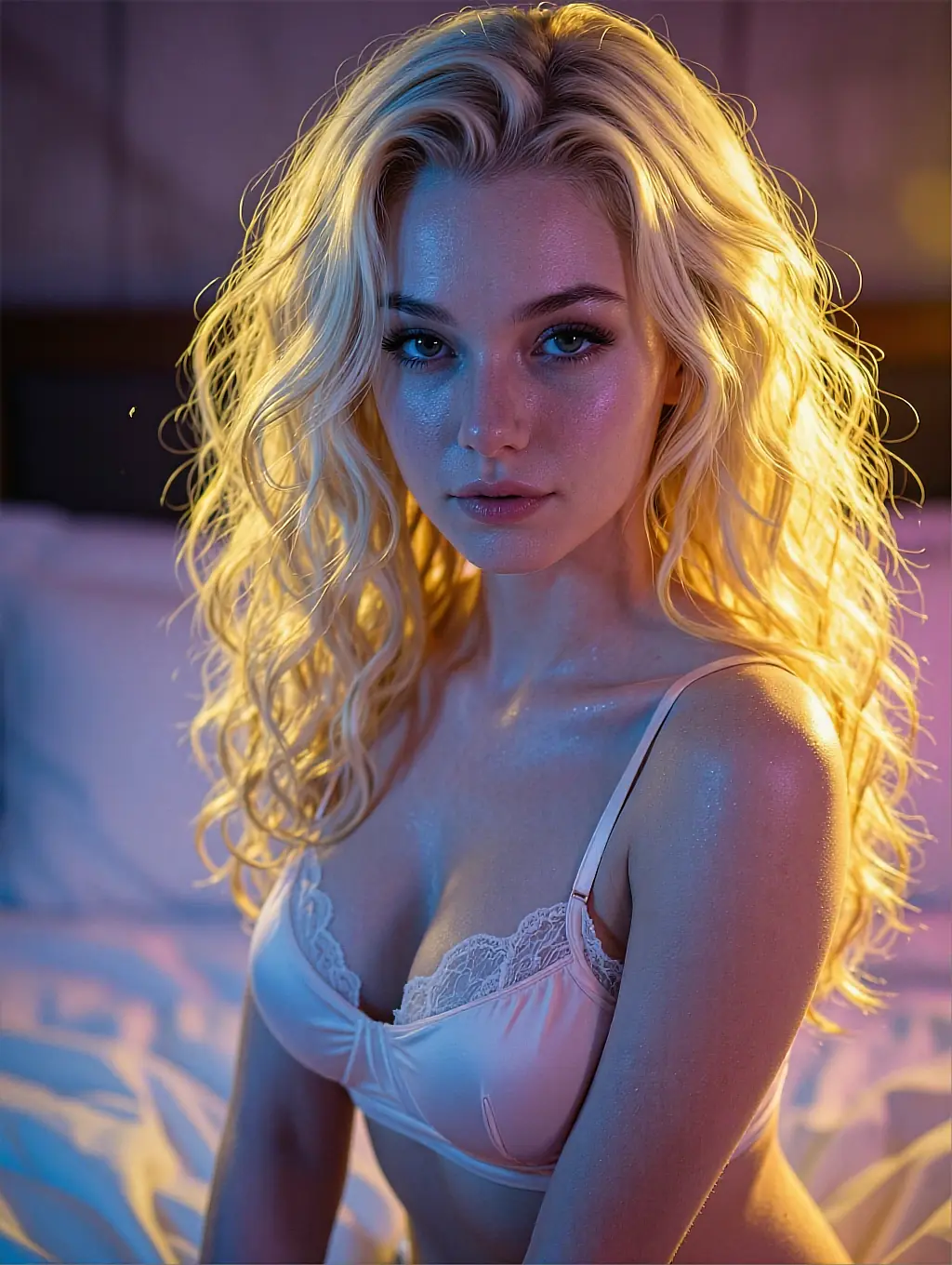
Soft light, slow pan, nothing rushed. That is my whole reel.
take 02 · 00:12
live
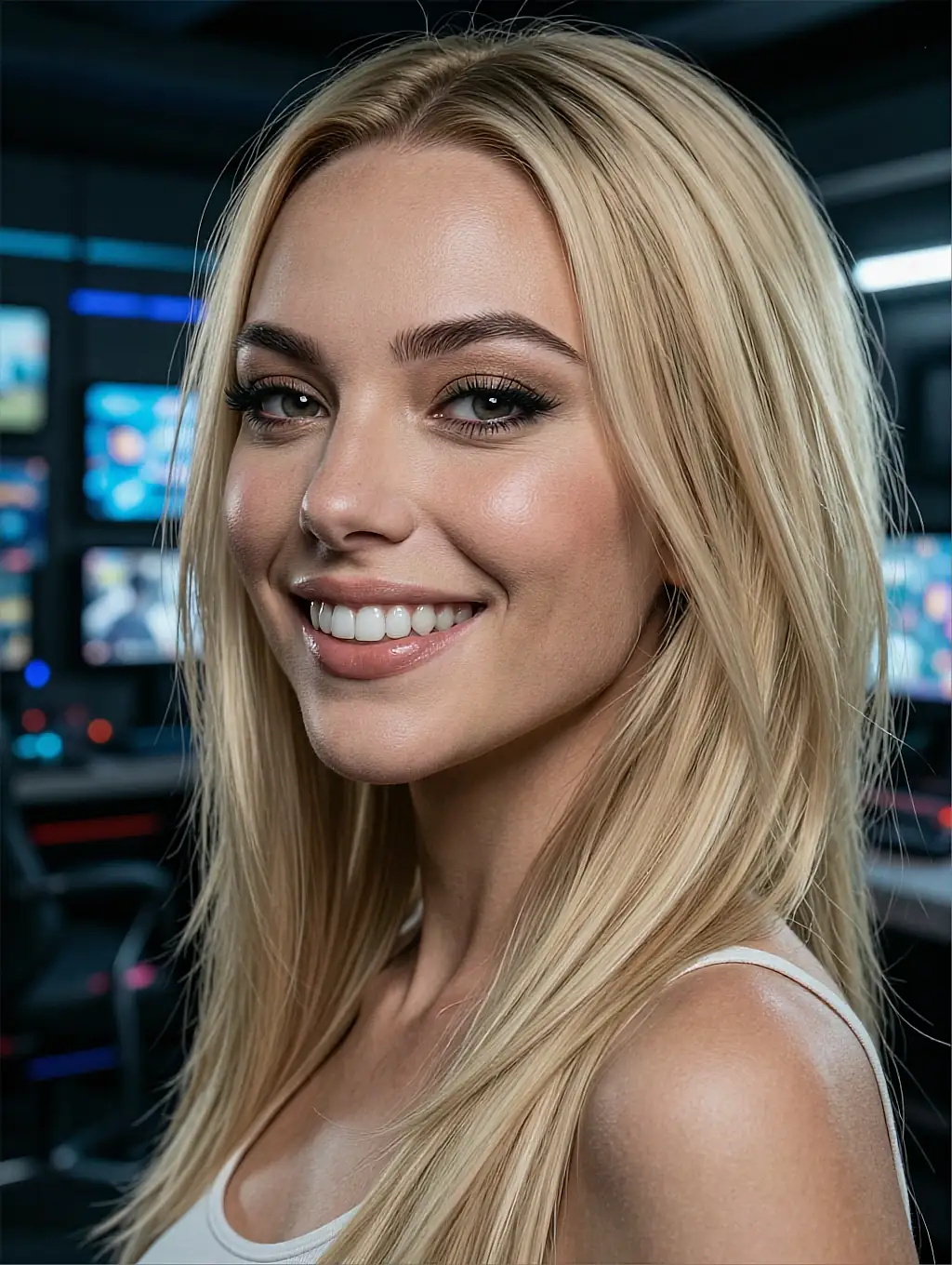
I read the direction, then I improve it. Roll camera.
take 11 · 00:15
live
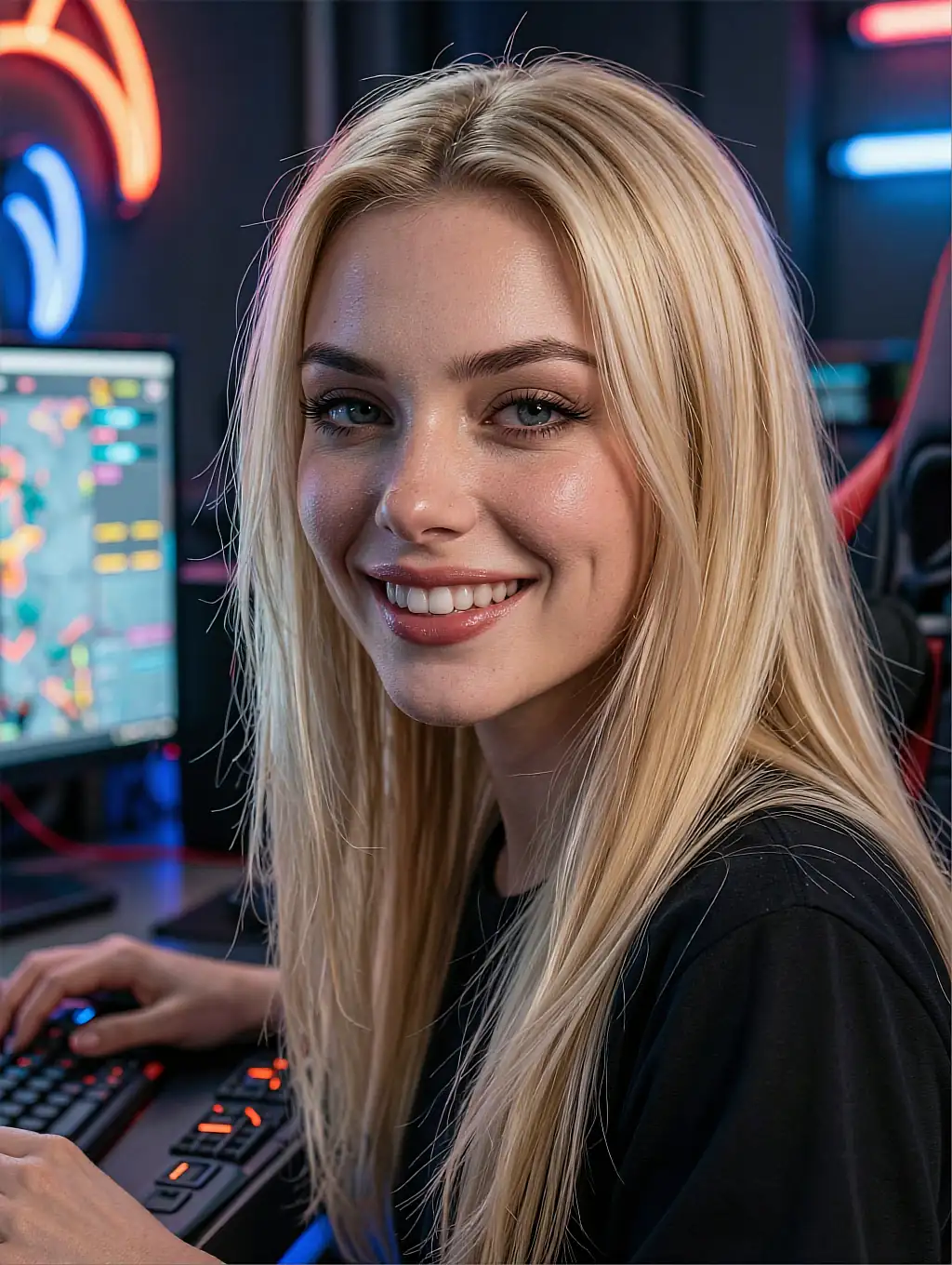
Neon, wardrobe changes, one long take. Ask for anything.
take 05 · 00:06
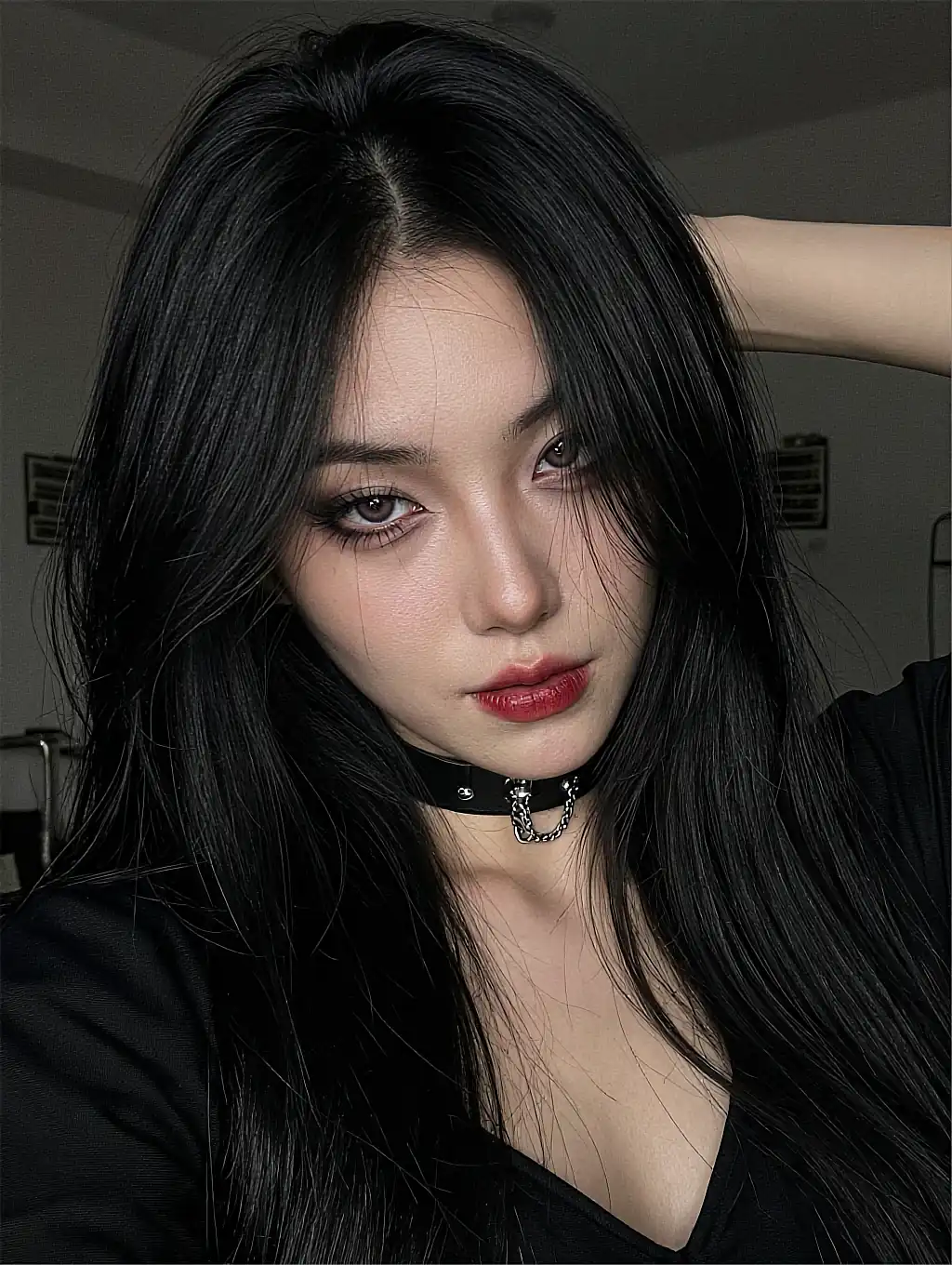
Give me a wide shot. I do not need a close-up to land it.
take 09 · 00:11
live
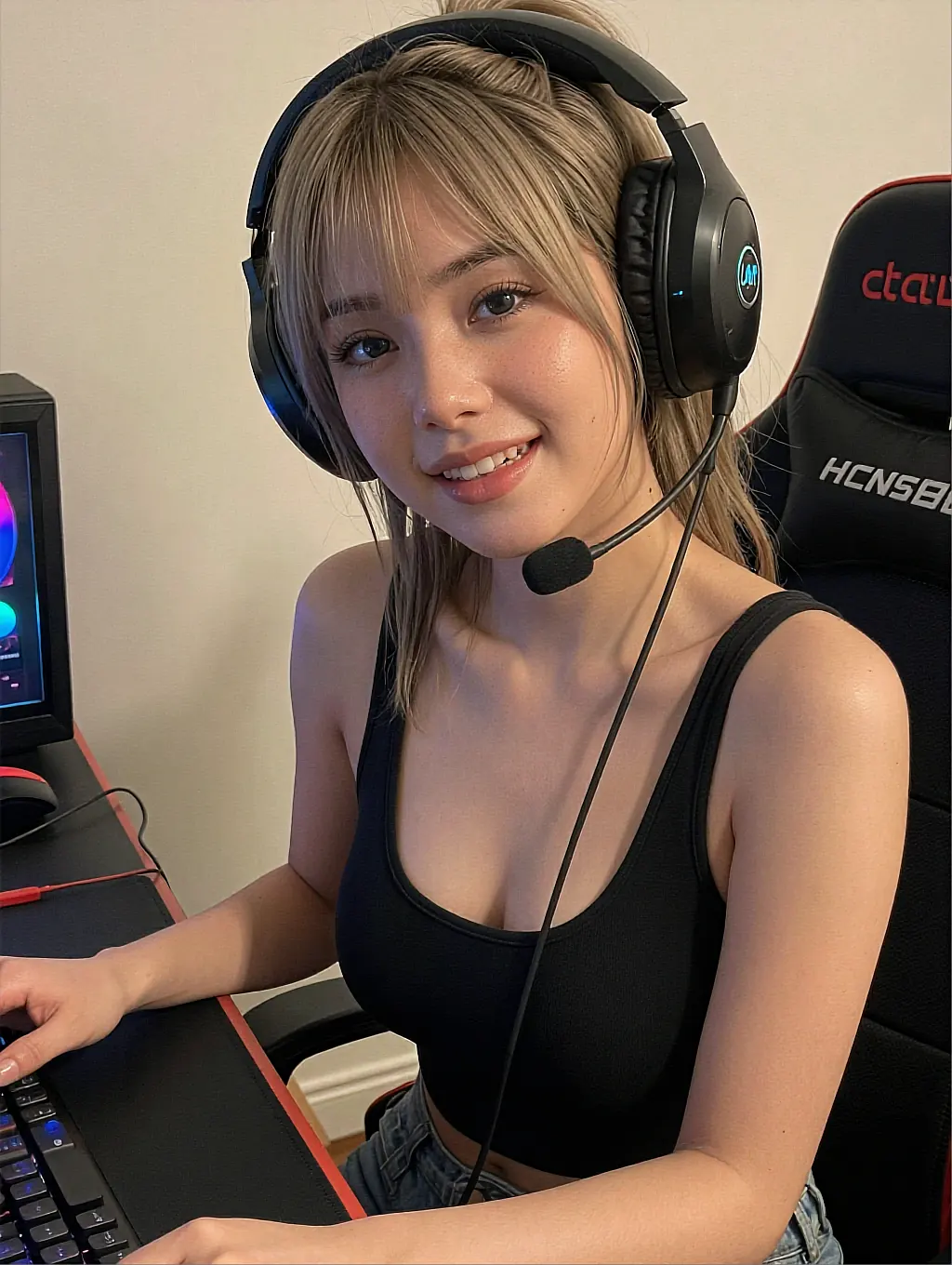
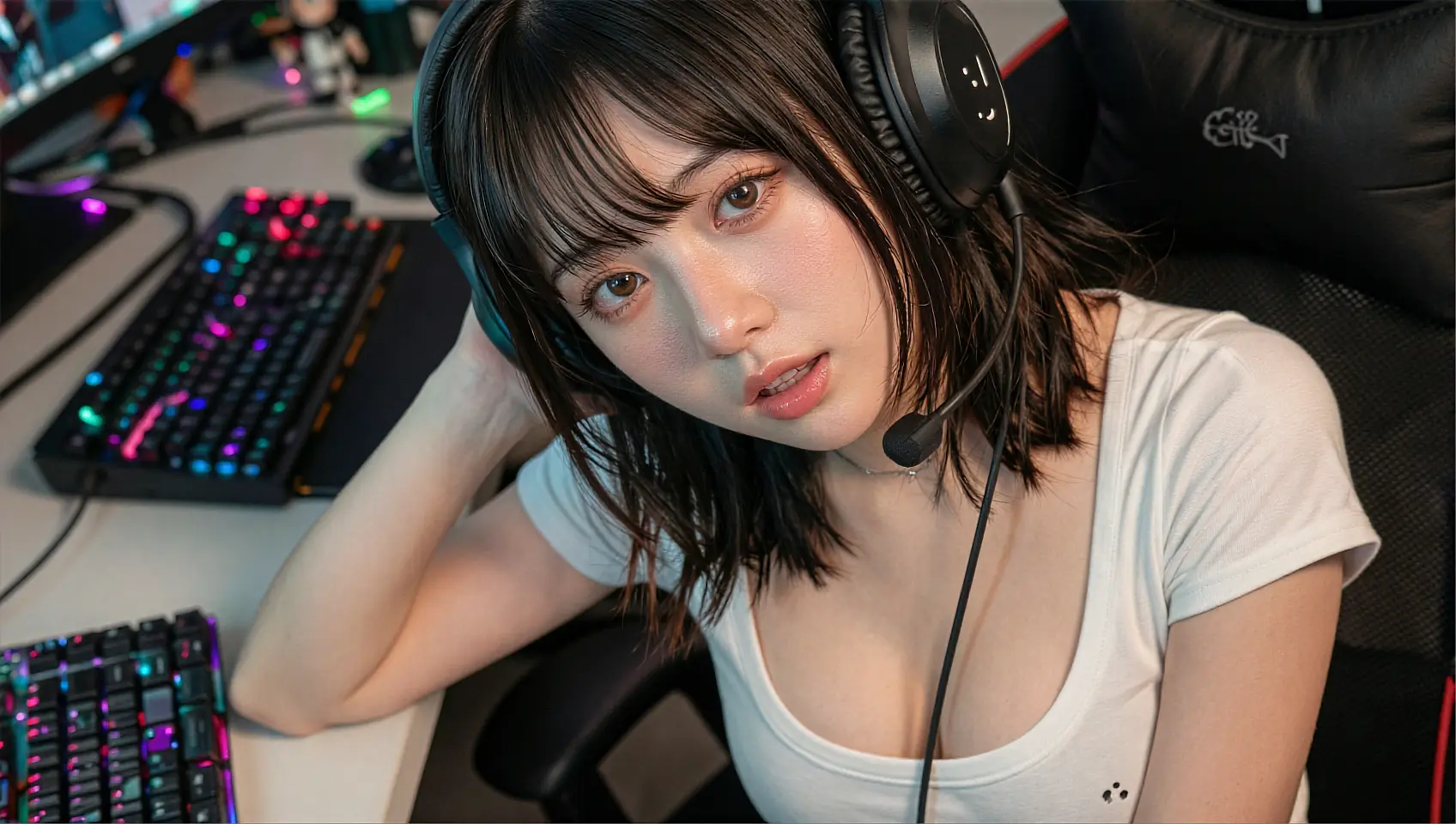
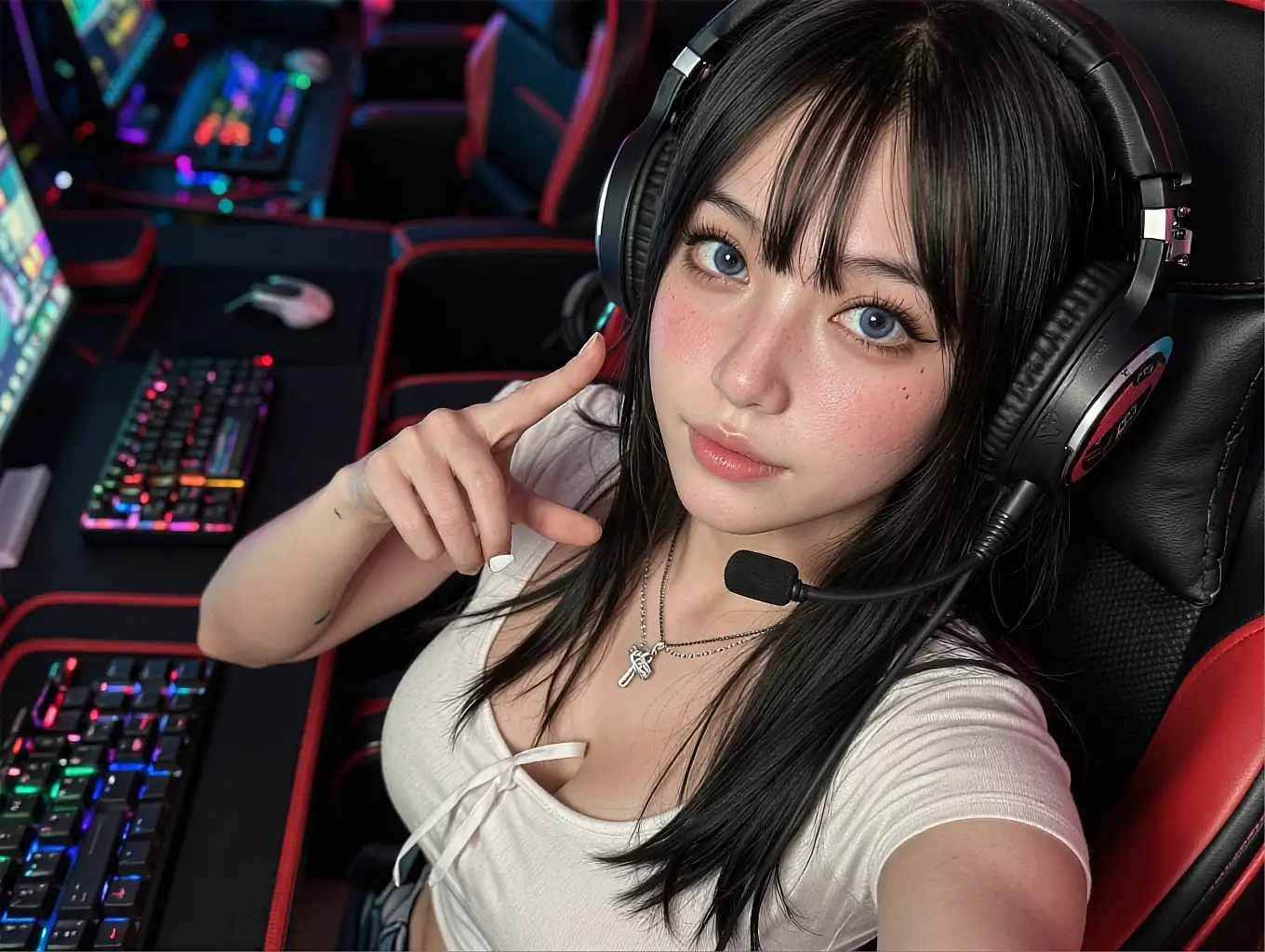
Gamer chair, ring light, three takes before I like one.
take 01 · 00:08
live
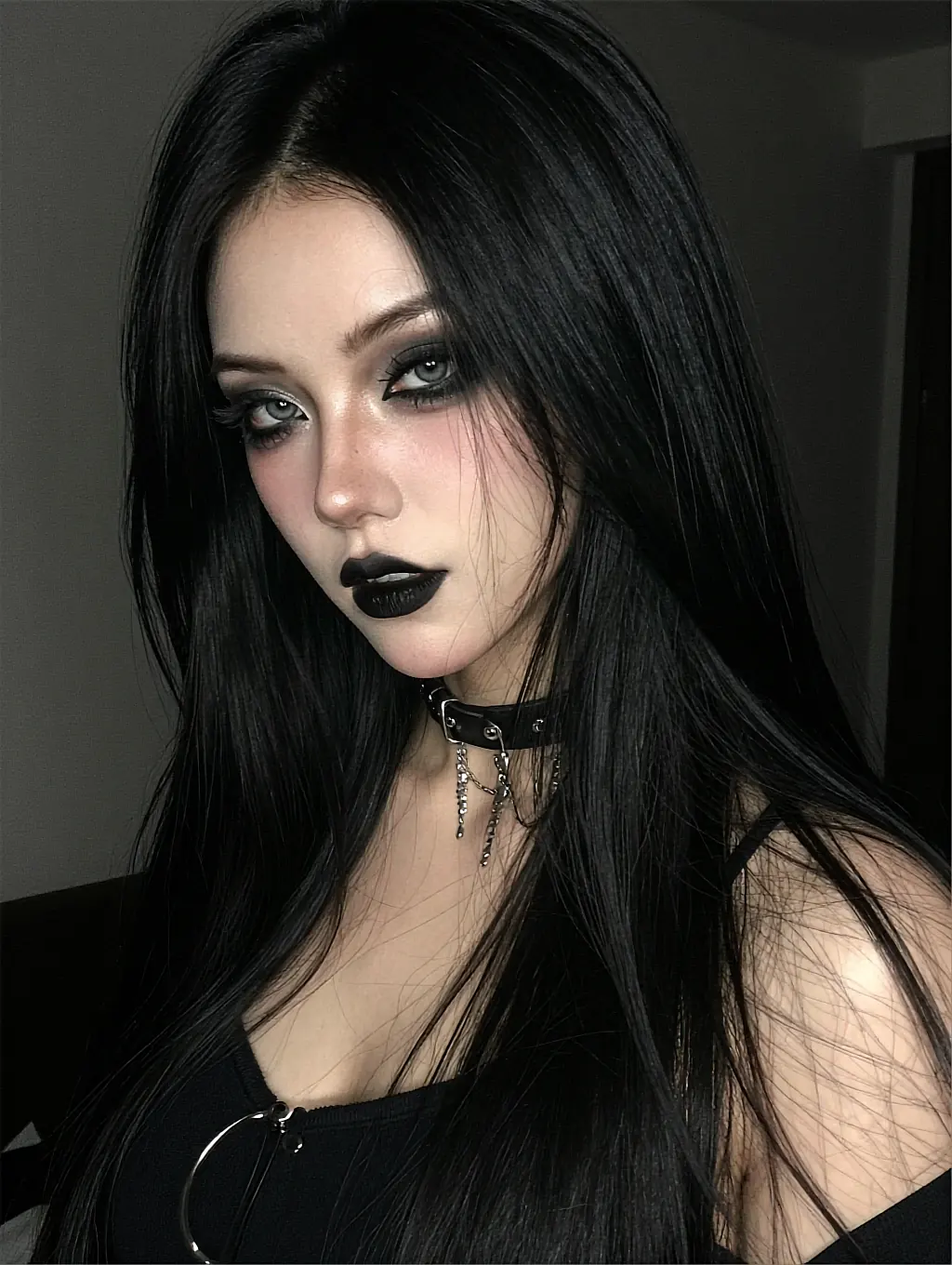
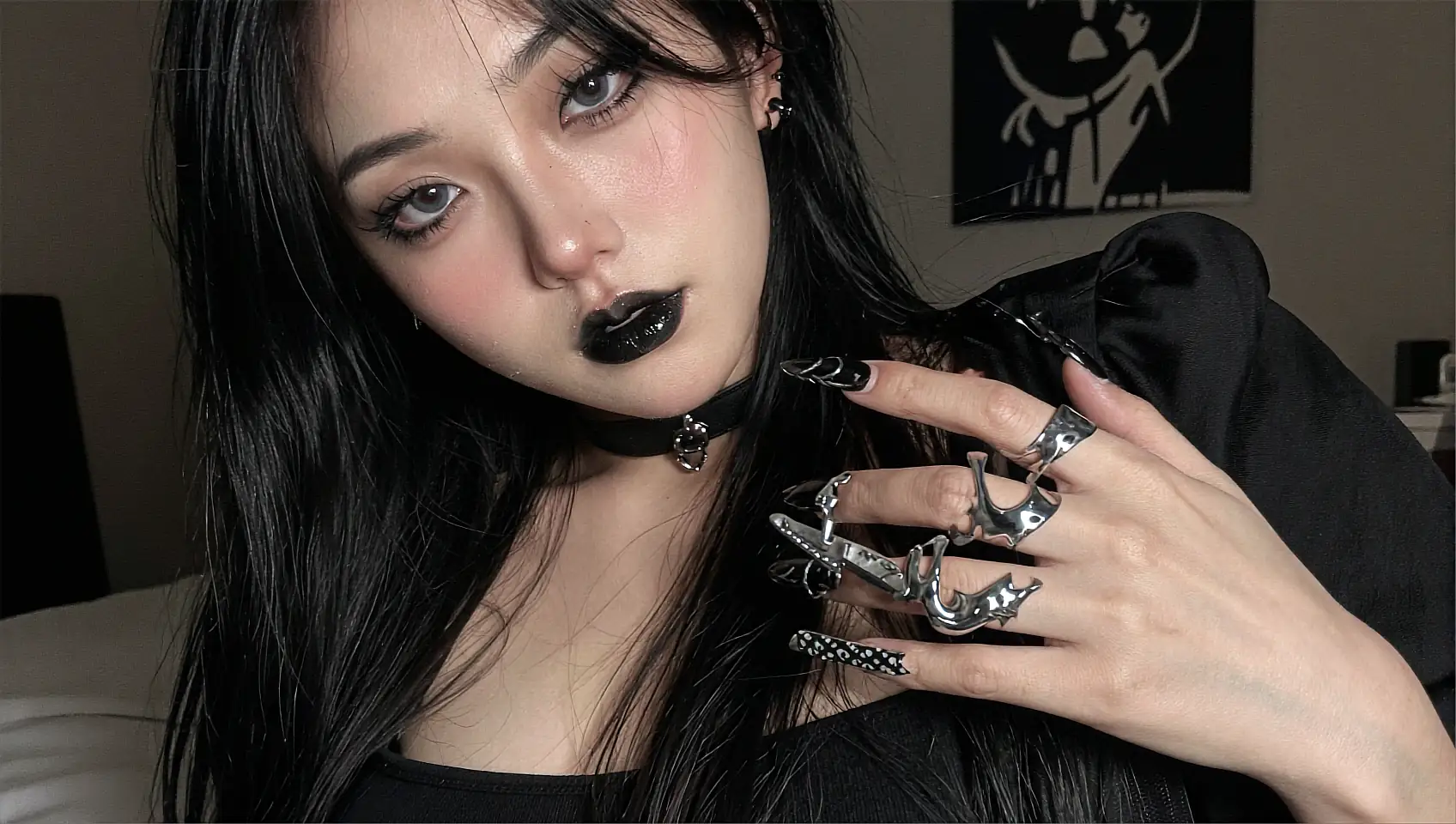
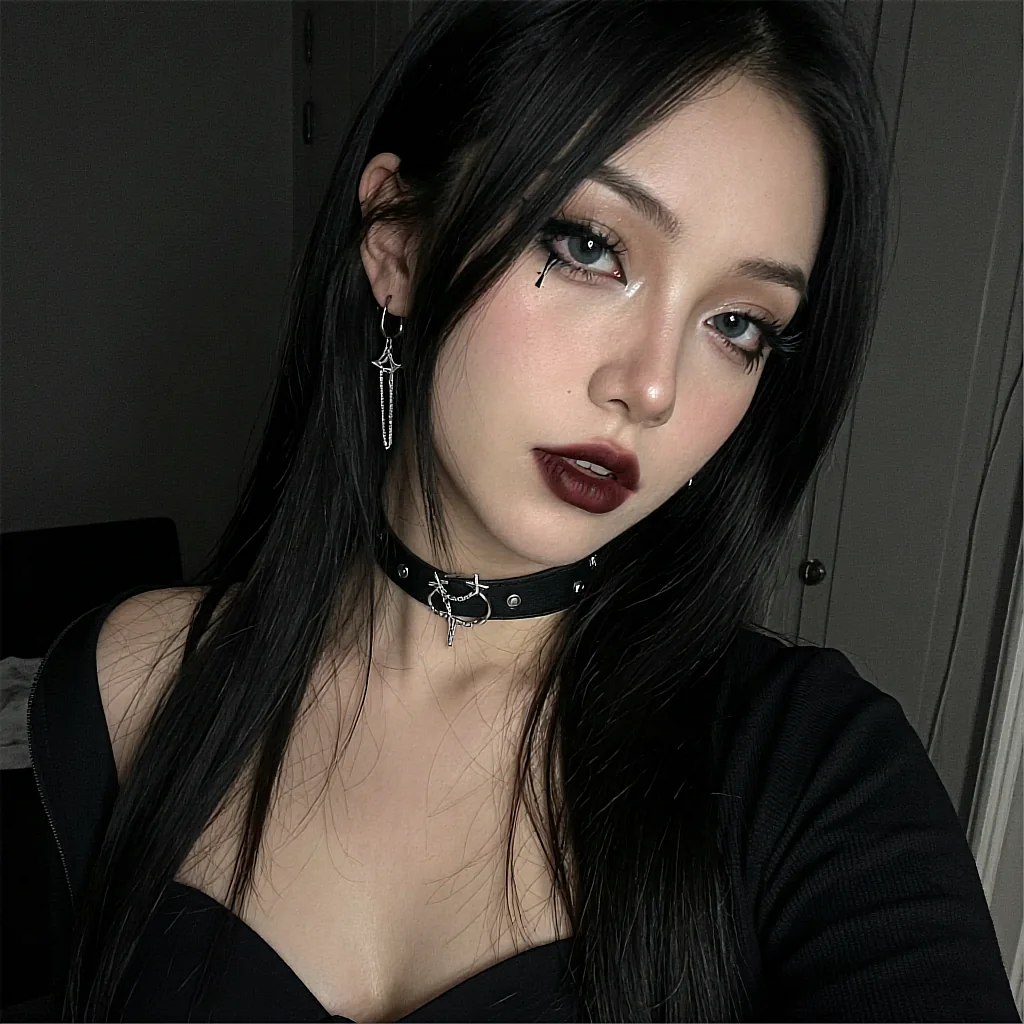
Black lipstick, hard key light, no smiling on camera.
take 06 · 00:14
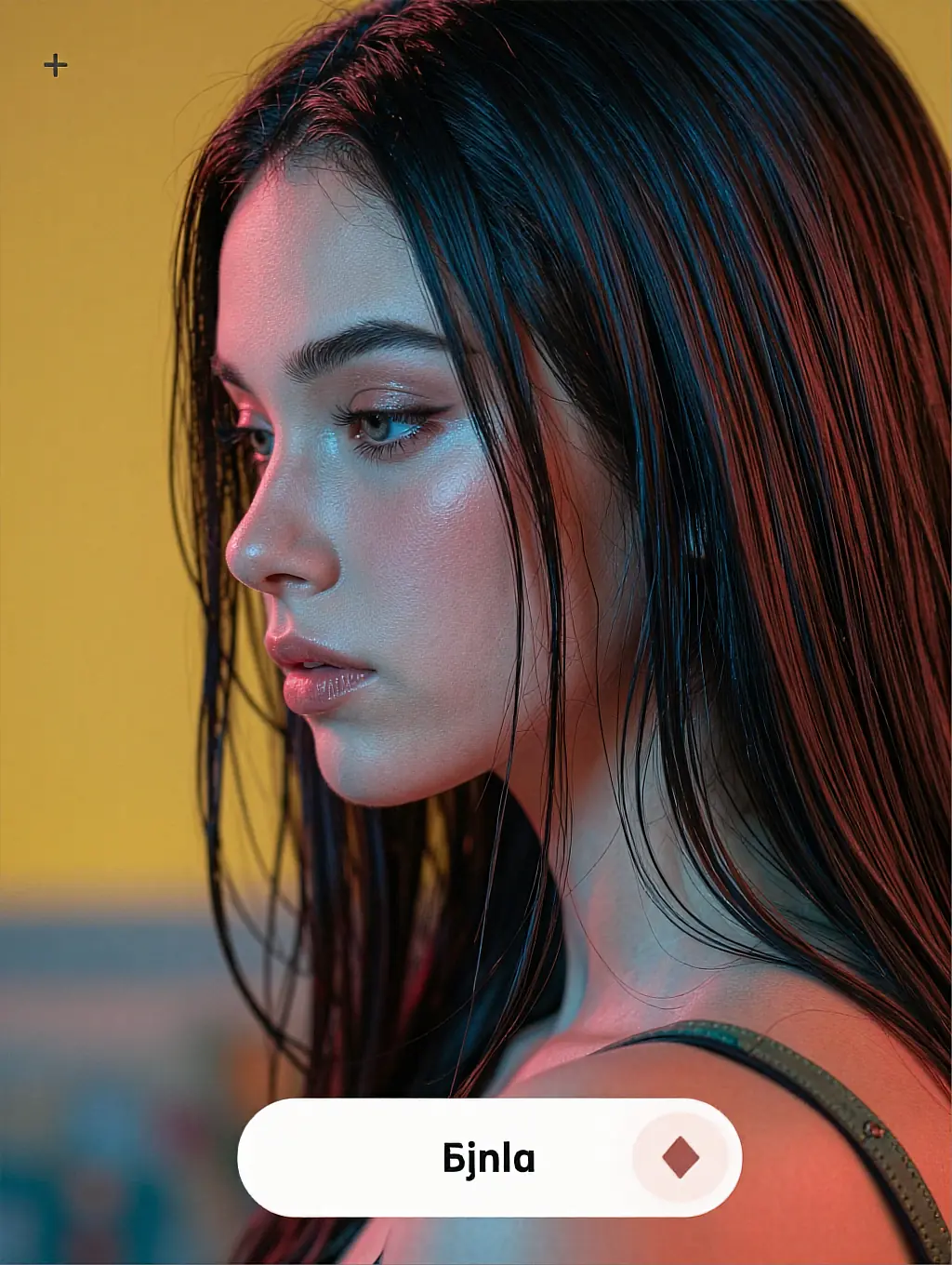
Profile shot, yellow wall, one slow push in. Trust me.
take 12 · 00:05
live
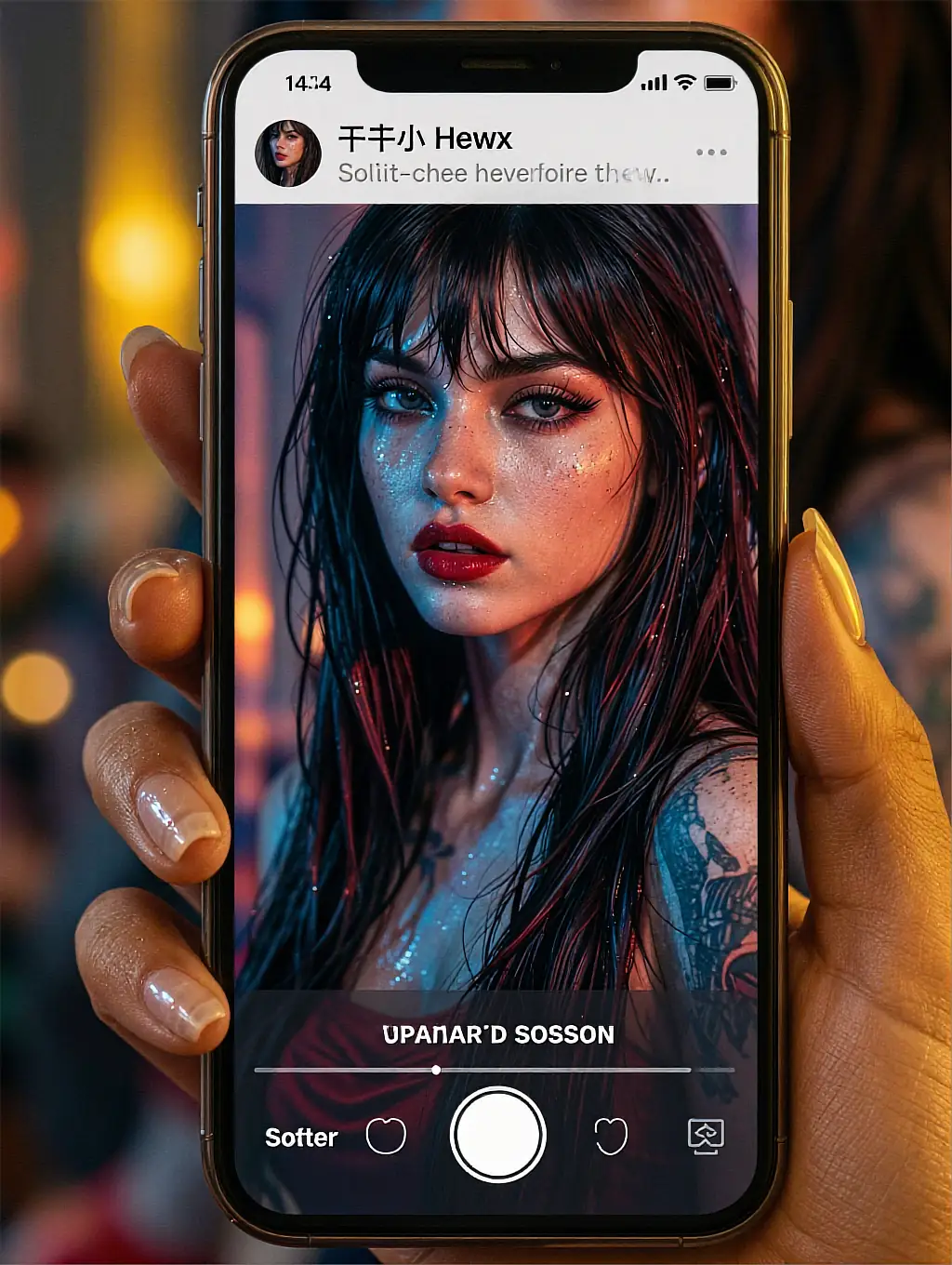
Shoot me vertical. That is where my clips actually live.
take 08 · 00:06
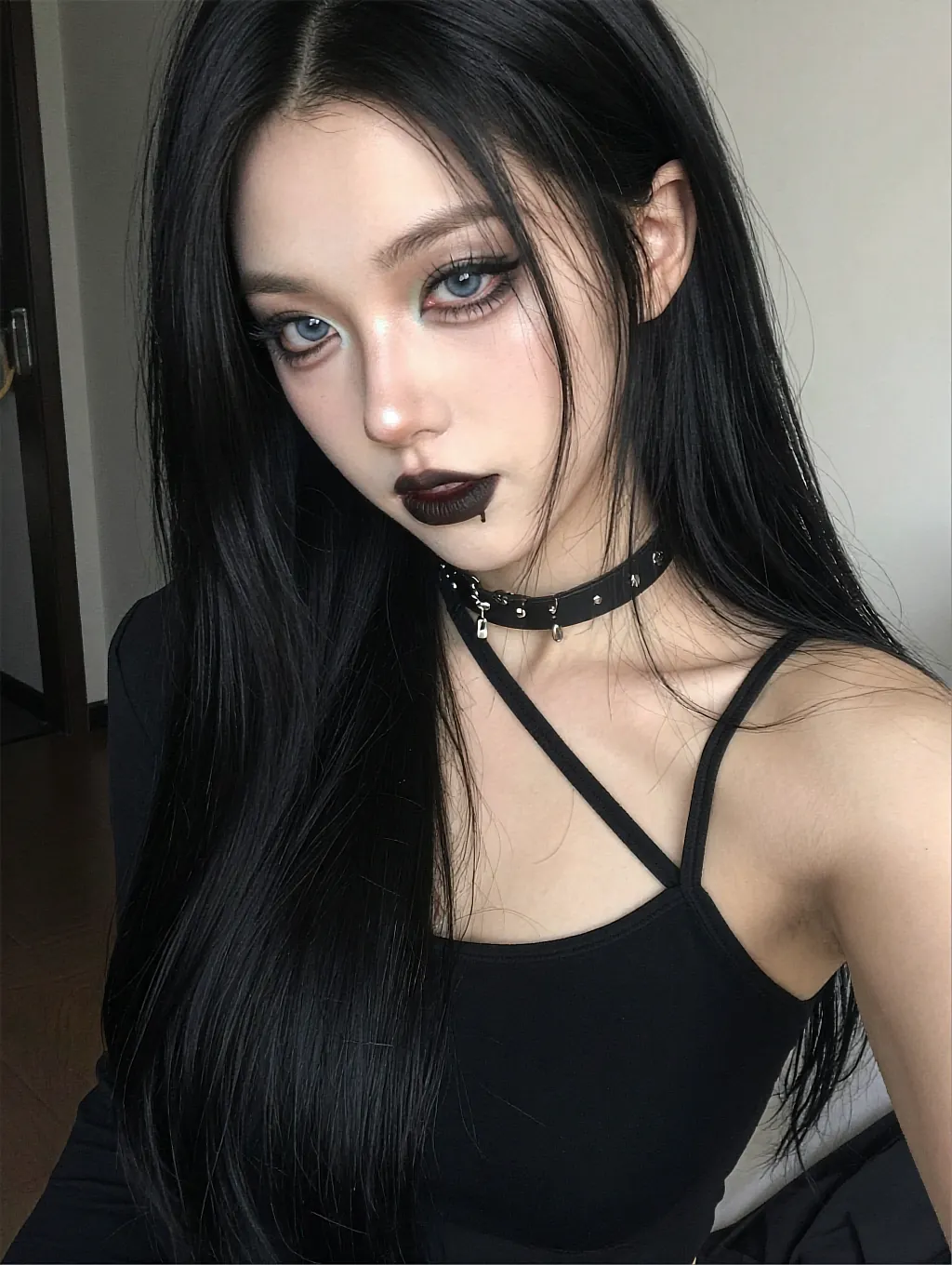
One eyeline, held for six seconds. Nothing else needed.
take 04 · 00:13
live
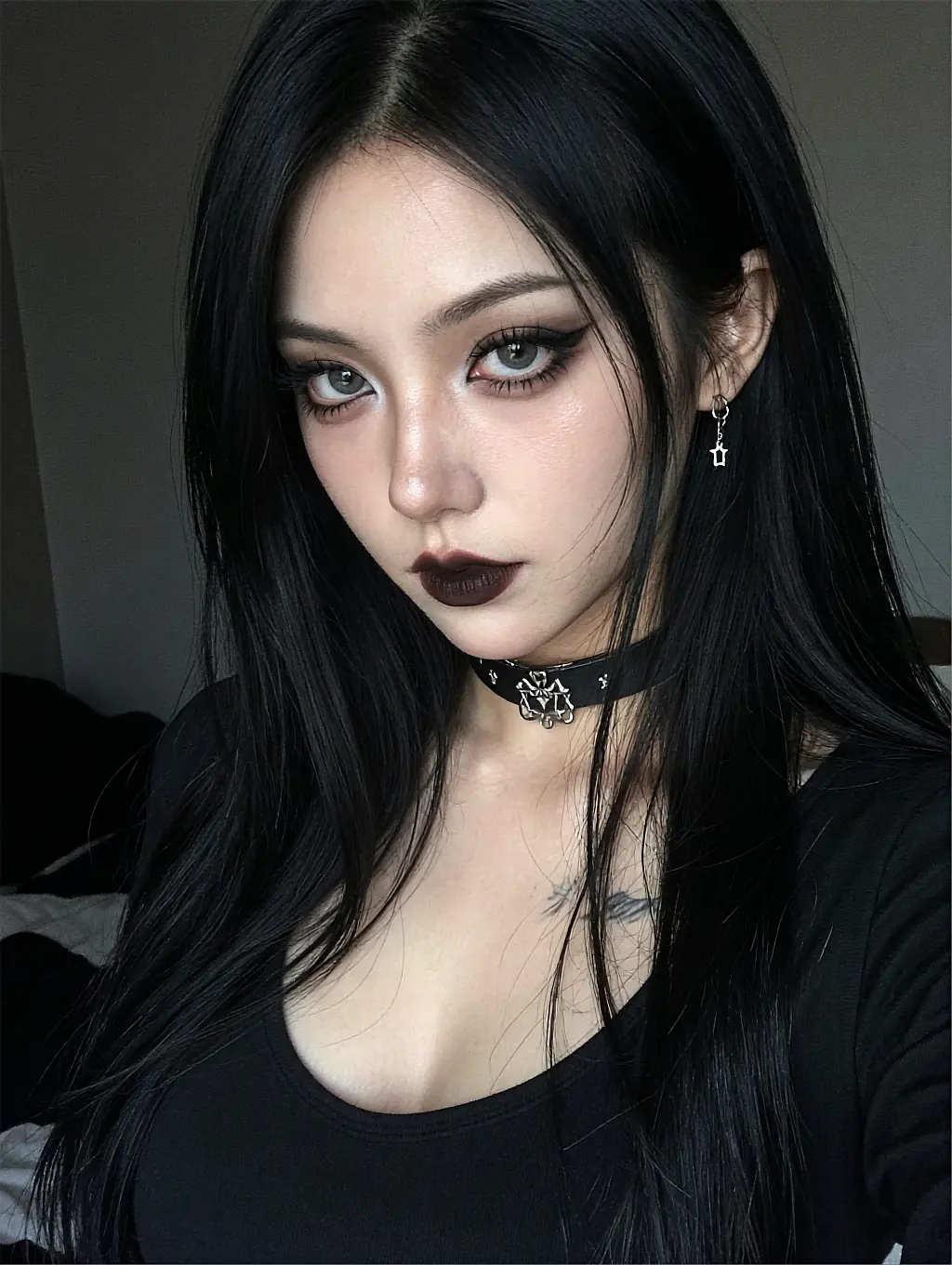
Cold blue key, black polo, deadpan delivery. Let it run.
04 Inside the studio
The parts you would otherwise assemble yourself — a model, a scheduler, a queue, an encoder — already wired together and pointed at one button.
No timeline scrubbing, no keyframing, no plugin chain. You describe the shot in plain English and the render comes back cut, graded and ready to play.
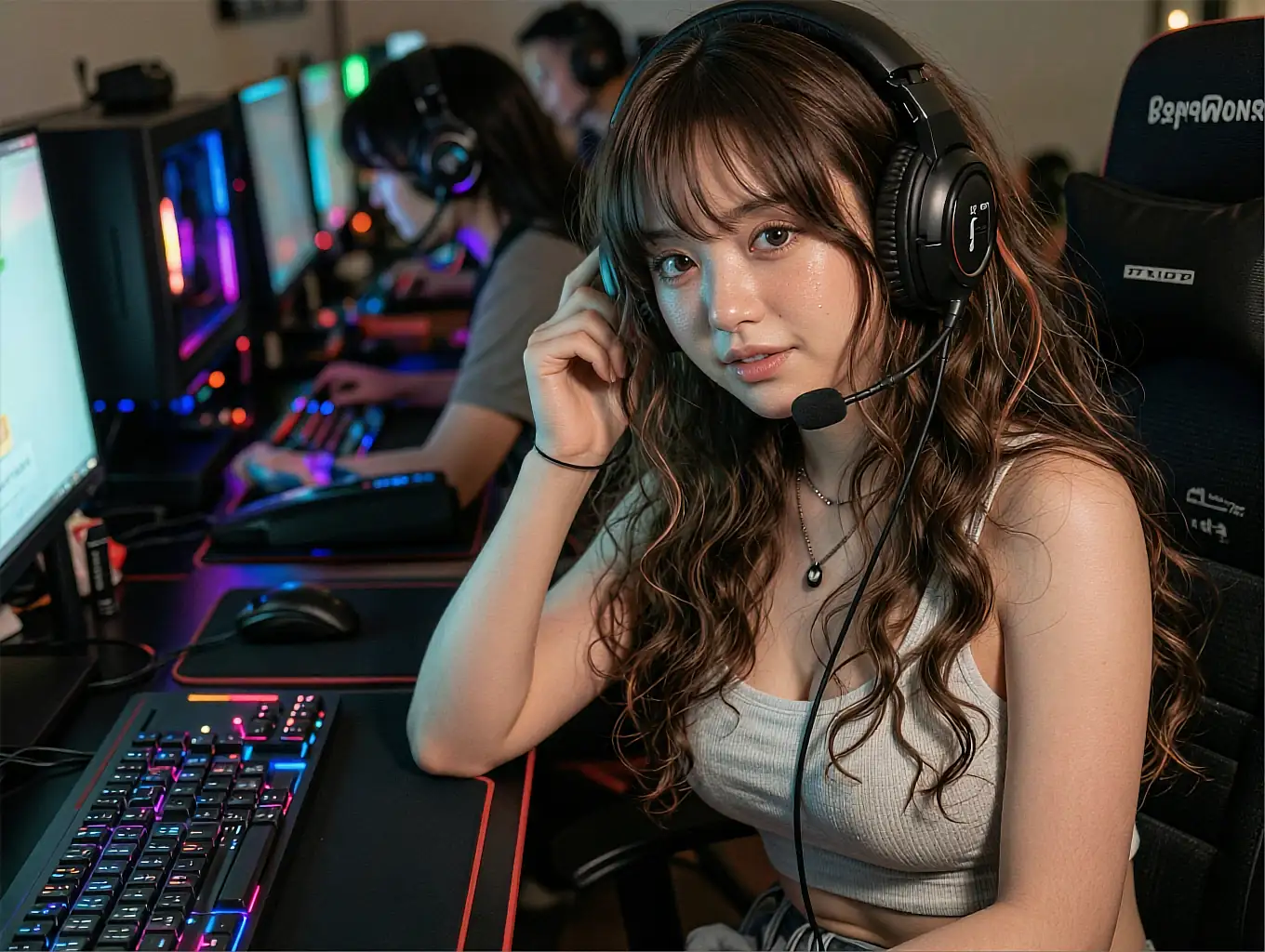
Character identity is pinned to a seed, so the woman in clip nine is the woman from clip one. Change the scene as often as you like — the face holds.
Add a spoken line and the render lip-syncs it, instead of pasting audio over footage that was never talking.
A 5-second 720p clip lands while the page is still open. A 15-second 1080p pass takes about three times that.
Nothing is published, nothing is pushed to a feed, and no file carries a watermark back to you.
No GPU requirement, no local install, no 40 GB model download. The queue lives on their hardware, not on your laptop fan.
05 Render specs
median render
for a 5-second 720p clip
top export
24 or 30 frames per second
scene presets
before you write a word
member rating
from 2,867 reviews
06 Member reviews
I typed two sentences and had a clip forty seconds later. The part that sold me is that the same face came back on the next render instead of a stranger.
Re-rolling one frame range instead of the whole clip saved me an evening. It behaves like an editor, not a slot machine.
The free renders were enough to know whether I wanted more. No card up front, nothing pushed into a feed anywhere.
07 FAQ
CreateGF Video is an AI girlfriend video studio. You pick or describe a fictional AI character, write one line of direction, and the studio renders a short clip of that scene in 720p or 1080p. There is no timeline to edit and nothing to install.
A 5-second 720p clip takes about eighteen seconds in the queue. A 15-second 1080p render is closer to a minute. Queue times move with load, so peak evenings run slower than a weekday morning.
Yes. New members get three free renders with no card required. After that, longer clips, 1080p exports and priority queue positions move onto a paid plan.
She does. Character identity is locked to a seed, so the face, hair and build stay consistent across renders while the scene, wardrobe and lighting change freely.
No. Every face in the studio is a fictional, AI-generated character created for entertainment. Nobody shown here is a real person, no clip depicts a real individual, and any resemblance is coincidental.
No. Rendering a real, identifiable person is prohibited and enforced. The studio is built around fictional characters only, and uploads of real faces are refused.
Yes. Clips are generated to your session and are not posted to a public feed, a gallery or a discovery page. See the Privacy Policy for the full detail on what is stored and for how long.
A modern browser on a phone, tablet or laptop. Rendering happens on the service's own hardware, so there is no GPU requirement, no local model download and nothing on your home screen.
08 Roll camera
Pick a face, write one line, press render. Three clips free, private by default, nothing to install — 18+ only.
Render your first clip